

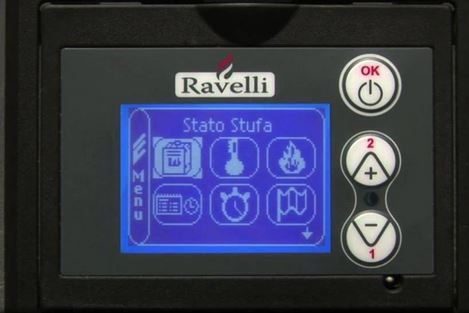
Ravelli Console User's Guide (PDF)
Quick FAQs:
How to Correct an Upside Down Display: Unplug the Unit. Then while holding down the “OK” key, plug the unit back in and continue to hold the “OK” key until the correct screen appears
Getting DEPRESSION ALARM: There is a push button underneath the hopper lid as well as where the front door latches. Make sure this switch is clear of obstructions and that the button pushes in and out freely. If this does not resolve the issue, please contact us for a possible service appointment.
Pellets aren't lighting but getting a lot of smoke: The cause of this is usually a dirty firepot. Empty the firepot, remove it from the stove and use a wire brush to make sure ALL the holes are clean and clear of soot.
All information provided is subject to the Terms of Use of enchantedfireside.com.